Presentation-ready charts that actually look designed.
Beautiful charts from your data — upload, draw, or extract from an image. Then turn them into a premium slide deck and export PDF.
Upload your files
Drop here
Get Beautiful Charts
.webp)
.webp)
.webp)
.webp)
.webp)
.webp)
.webp)
.webp)
.webp)
Create presentation-ready charts and slides to match
PrettyChart helps you turn CSV, Excel, or even chart images into charts that look designed by default. Create charts or KPI cards, add them to Slides as reusable assets, and export a clean PDF deck in minutes — no PowerPoint screenshot workflow.
Who is PrettyChart for?
Ideal for consultants, analysts, founders, and content creators who want charts and slides that look designed — not like spreadsheet screenshots.
From data to slides in minutes
Create charts or KPI cards → add to Slides → export a presentation-ready PDF.
Create a chart (or KPI cards)
Upload CSV/Excel, paste data, draw, or extract from an image.
Add to Slides
One click: Add to Slides. Your chart becomes a reusable asset.
Arrange + export PDF
Drag & drop into premium layouts — or auto-generate a deck.
Try It Now!
Draw a simple chart and let AI transform it into something beautiful
KPI Cards In Action
Dashboard-style metrics with sparklines and progress bars
Built-in Spreadsheet Editor
Edit your data like Excel, see charts update instantly
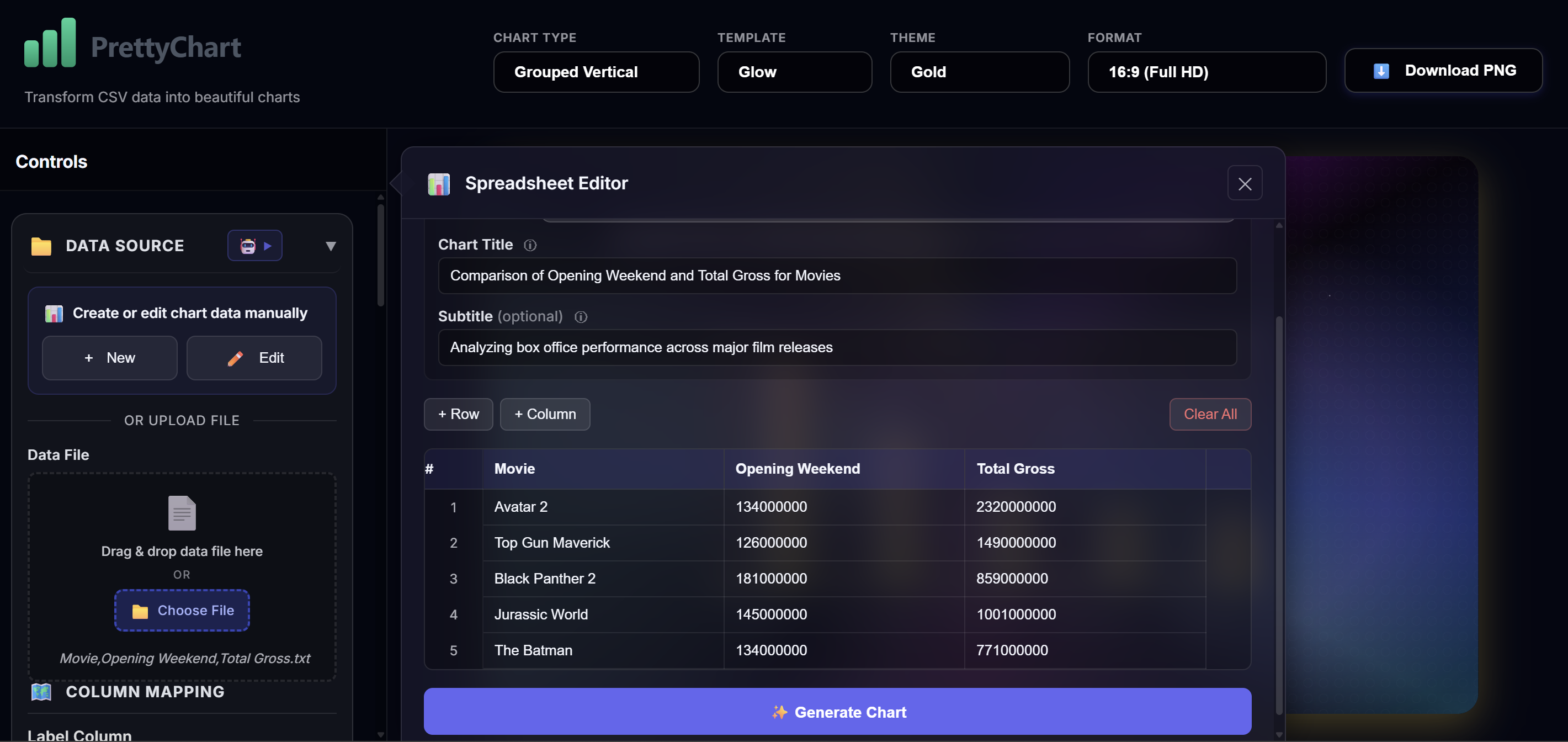
Modify cells, add rows, format numbers - just like a real spreadsheet
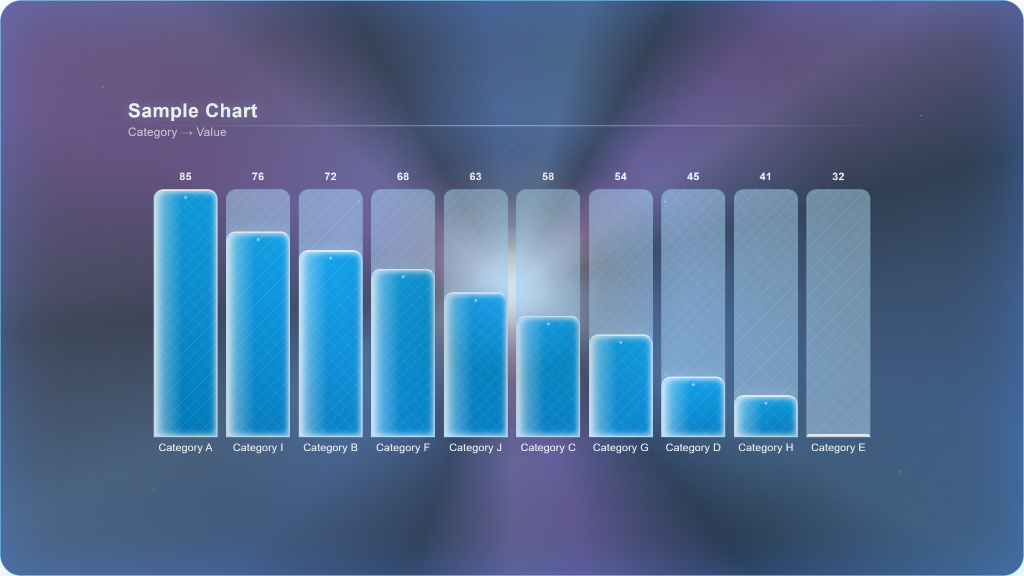
Apply changes and watch your chart transform instantly
Slides that look designed — automatically
Layouts, drag & drop, and instant PDF export. No PowerPoint pain.
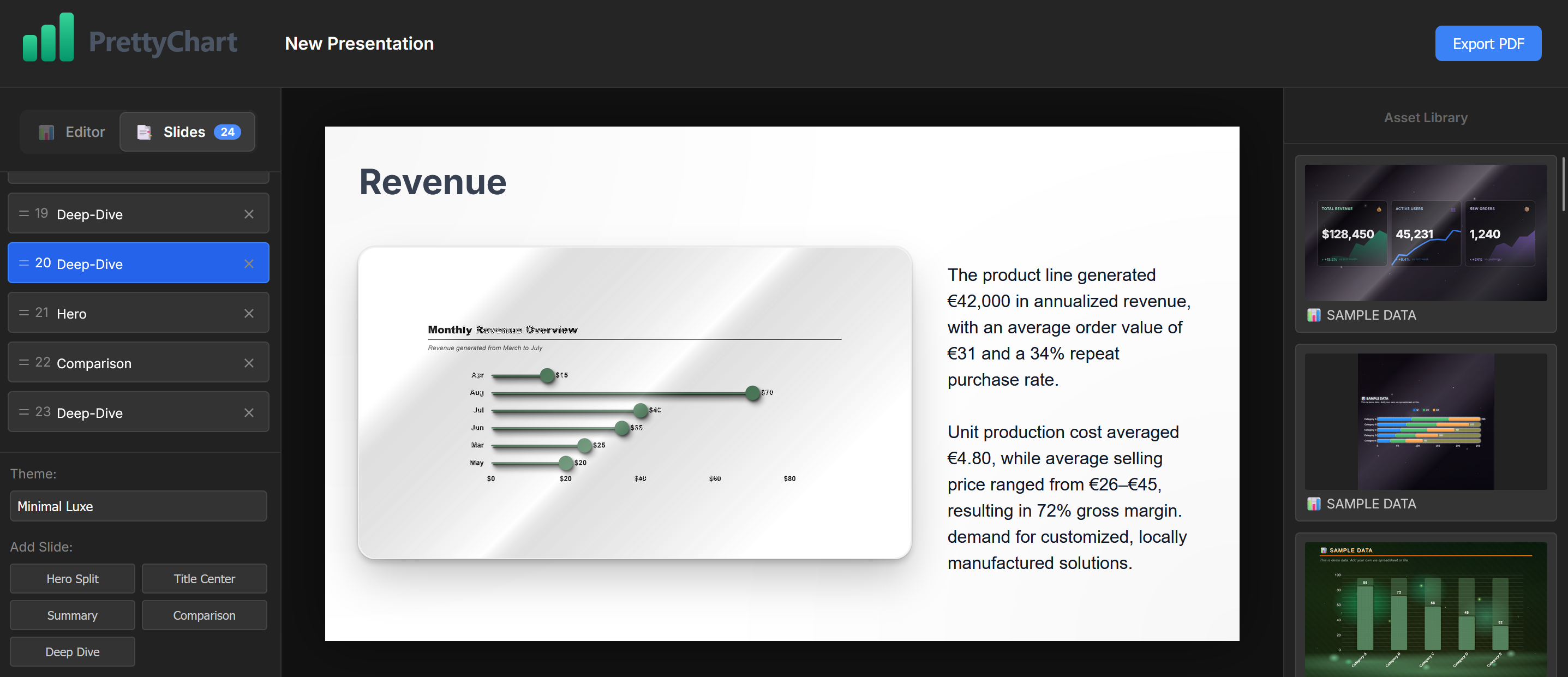
- Premium layouts Hero, Summary, Comparison, Deep Dive — built for real decks.
- Asset Library Add charts once. Reuse them across slides.
- Auto‑Create Slides Generate a starter deck from your charts in one click.
- Export PDF Share anywhere. Always looks clean.
📊 KPI cards for dashboards and executive slides
Create clean KPI blocks with sparklines and progress bars — then drop them into Slides.
Showcase
See what you can create with PrettyChart. Mix and match 32 templates, 30 themes, 29 light effects, and 63 patterns to create 115+ million combinations.
.webp)
.webp)
.webp)
.webp)
.webp)
.webp)
.webp)
Everything You Need
Professional chart creation made simple
Slides & PDF Export
Turn charts into a premium deck. Auto-create slides. Export PDF.
KPI Cards
Dashboard-style KPI cards with sparklines and progress bars.
Add to Slides
Capture any chart as an asset and reuse it across layouts.
Data Import
Drag & drop or choose a file. Supports CSV, Excel, and 25+ formats.
32 Templates
Professional styles for every need: classic, modern, corporate, creative.
30 Themes
Curated color palettes from subtle to bold. Find the right look for your brand.
160+ Visual Effects
Light effects, background patterns, scenic backgrounds. Create unique artistic charts.
AI-Powered
Upload chart images - AI extracts data automatically. Smart column suggestions.
100% Private
All processing happens in your browser. Your data never leaves your device.
Why Choose PrettyChart?
See how we compare